
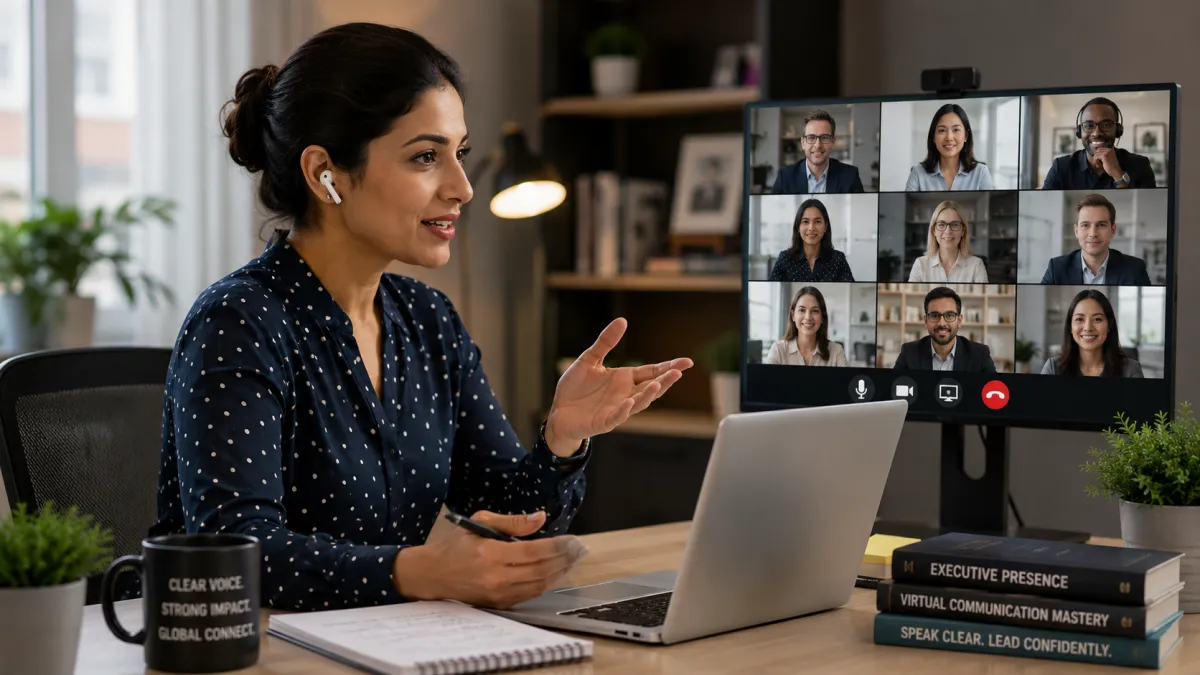
Why Is Clear Pronunciation More Critical Than Ever for Global Remote Teams?
Why Is Clear Pronunciation More Critical Than Ever for Global Remote Teams?

In a remote-first corporate world, virtual meetings have replaced the physical boardroom. However, low audio quality, screen fatigue, and lack of non-verbal cues make clear pronunciation and precise speech mechanics critical for global remote teams [1]. When communication is mediated by digital platforms, minor pronunciation differences can easily escalate into costly project delays or misaligned strategies [1] [2].
Key Takeaways
The Digital Barrier: Remote tools strip away natural physical cues, placing a heavier burden on your spoken clarity [1].
Acoustic Compression: Low-quality microphones and compressed audio make precise pronunciation essential [2].
Cognitive Load: Listeners tire faster in virtual meetings; clear speech reduces their cognitive effort and keeps them engaged [2].
Strategic Pacing: Adjusting your speech rhythm and pausing can completely transform your virtual impact [1].
The Hidden Friction of Virtual Communication
Remote work has connected global talent like never before. Yet, communicating over platforms like Zoom, Microsoft Teams, or Google Meet introduces subtle but significant friction. In a physical office, listeners rely on a rich array of non-verbal cues—such as subtle facial expressions, body language, and physical proximity—to decode spoken messages.
In virtual environments, these cues are largely compressed into a small digital box [1]. Furthermore, audio compression algorithms frequently clip the high and low frequencies of human speech, which are precisely the frequencies that help distinguish between similar consonant sounds (like "p" and "b," or "th" and "s") [2]. If your pronunciation is slightly unclear, the combination of compressed digital audio and screen fatigue makes it incredibly difficult for your remote colleagues to follow your points.
Reducing Cognitive Load for Your Remote Listeners
In cognitive psychology, "processing fluency" refers to how easily our brains process incoming information [2]. When you speak with clear pronunciation and natural English intonation, your listeners process your message effortlessly.
Conversely, if your speech patterns require them to constantly "translate" or guess what you mean, they experience cognitive overload [2]. In a 60-minute virtual meeting, this cognitive fatigue sets in quickly, leading colleagues to tune out, misinterpret key requirements, or hesitate to collaborate on complex projects.
Virtual ChallengeImpact on CommunicationSpeech Therapy SolutionCompressed AudioClips consonant sounds, making speech sound muffledPrecise articulation of word endings and consonant clustersLack of Physical CuesReduces the listener's ability to read lip movementsStrategic facial positioning and open, clear vocal projectionScreen FatigueDecreases listener attention span and patienceIntentional pacing, clear pauses, and dynamic vocal variety
By working on specific pronunciation mechanics—such as the clear articulation of final consonants and mastering English sentence stress—you can ensure that your voice cuts through the digital noise with absolute clarity.
Frequently Asked Questions
Why do my colleagues understand me in person but struggle over Zoom?
This is a very common experience. In-person communication provides natural stereo sound and full-body visual cues that help the brain decode speech. Virtual platforms compress audio and restrict visuals to a flat screen, making any minor pronunciation issues much more pronounced.
What is the single easiest pronunciation adjustment I can make for remote calls?
Pacing. Most non-native speakers tend to speed up when they feel anxious on a call. By intentionally slowing down your delivery, elongating your vowels, and inserting clear pauses between key thoughts, you give the digital audio compression time to catch up and your listeners' brains time to process your words.
Can speech exercises really help if my microphone quality is poor?
Yes. While a high-quality microphone is always recommended for remote professionals, precise speech articulation (such as crisp "t," "d," and "g" sounds) ensures that your words remain distinct even when transmitted through basic laptop microphones.
Conclusion
Virtual collaboration is here to stay. By refining your pronunciation and adapting your speech mechanics for digital platforms, you can build stronger remote relationships, prevent costly misunderstandings, and make a lasting impact in every virtual meeting.
Call Now For Your Free Consult! Call 925-940-8299
